Your AI memory store is PII, and so is every copy your packer ships
Auto-capture makes every database file on disk personal data. My release packer shipped chat history in a backup sidecar, then again in a Finder copy.
If your agent remembers things, it has a database of the user’s personal facts. That’s the whole point of it. The PII work in most agent stacks guards the model’s context window: redact tool output, scrub prompts, mask the email column before the model reads it. That work matters. But it only covers one exit. A memory store also leaves the machine as a file, whenever someone packages, backs up, copies or ships the directory it lives in.
I found this out by shipping my own chat history in a release archive. Then I shipped it again after I’d fixed it.
Facts pulled from chats land in a SQLite file, one row per claim
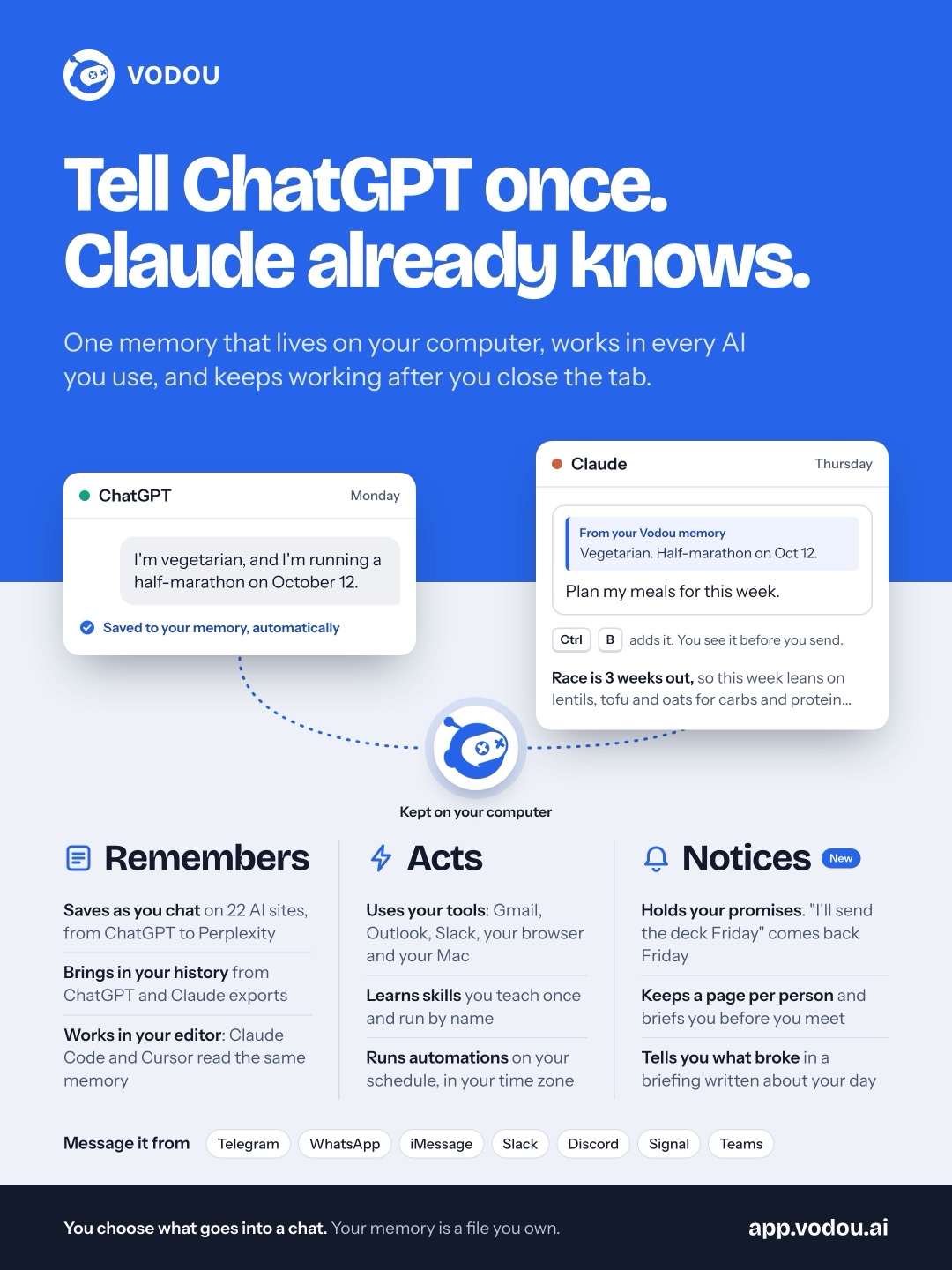
I built automatic fact capture into Vodou, a local-first AI operating system with persistent memory, retrieval and MCP tool orchestration. As you work in chat or in a coding session, a background loop reads the new turns and pulls out durable facts: a preference, a decision, a person’s name and how they relate to you. If you correct a fact, the correction replaces the old one. Near-duplicates get merged. Different mentions of one person resolve to one entity. You never press a save button. The next time you ask something, whether in ChatGPT or Claude or a terminal, the fact is already there.
The pipeline is documented in the public docs/memory-extraction-pipeline.md. The design is deliberately dull. Each new window of conversation becomes an explicit work item in a queue, with a state of pending, extracting, done, failed or skipped. A failed item stores its full error chain on the row. The pipeline used to fail soft and keep going, and on one afternoon that turned up seven different silent-failure modes. Now a failure is always a row you can look at. vodou-core mem extract-status prints the per-state counts, the facts written, and how long ago the last completed cycle ran, so you can tell an idle extractor from a dead one.
This works for the person because it’s automatic. That’s also what makes it dangerous to the release process: after a week of real use, every database file in the tree contains that person’s life.
gateway.db backups rode into the v0.6.20 tarball because the strip pass only knew .bak
The release pipeline has a gate. scripts/verify-release.sh opens every archive after it’s built and scans it for personal data, running a text pattern scan and a separate binary scan. For the v0.6.20 mac archives, it failed.
The worst finding was that my live database sidecars were staged into the tarball: backups the gateway had written after a corrupt full-text index, plus a backup of the thinking database. That’s real chat history and real reasoning traces. The packer did have a strip pass, but it only knew the names I had thought of when I wrote it: .bak, .bak1, .pre-*. The gateway named its recovery backups differently, so they went straight through.
The fix removed every *.db.*, *.db-shm* and *.db-wal* file under the server tree. I considered broader globs and rejected them on purpose. *backup* or *corrupt* would have been easier to write, but node_modules ships files called backup.js, and a strip rule that deletes library code creates its own release bug.
The same scan caught two smaller problems. First, I had used real family names as illustrative examples in documentation, including in the extraction pipeline doc, and I’d written one of those examples that same day. Second, a memory-correction tool description in a public MCP server used a real correction from my own vault as its example. When you’re the first user of your memory system, your own data is always the closest example to hand, and it ends up in docstrings. I rewrote all of them with neutral stand-ins.
There was one false positive, and it’s worth knowing about. The MiniLM and BGE tokenizer vocab files in the embedding cache contain every common English first name, because that’s what a vocabulary is. The text scan flagged them. I excluded that cache from the text scan only, since those are public upstream files, and kept the binary scan running over it.
Then v0.6.25 shipped two 361MB Finder copies of the same database
The shape rule held for the next release. It didn’t hold for the one after that. All five v0.6.25 archives contained gateway copy.db and gateway copy 2.db. Those are Finder duplicates: someone presses Cmd-D on a live database while debugging, and macOS names the result. Each was 361MB, and they contained a home address, a phone number and an email domain.
Neither file matched *.db.*. They end in .db, like the clean template database the release is supposed to ship. My strip rule was a list of names I expected, and the operating system had come up with a name I didn’t.
Around the same time I found a Windows zip from v0.6.20 on the public release page that had the home address in its binary. I deleted that asset on 2026-08-07. Deleting an asset can be undone, which is the only reason that step was easy. After that, no shipped artifact anywhere carried the address.
I also made a decision I think generalizes. One test fixture was a recorded dump of real memory. I didn’t scrub it, and I didn’t keep adding PII patterns until it passed. I excluded that whole class of artifact from publishing. You can’t write a regex for everything a real person has ever said, but you can refuse to ship recordings of one.
The invariant: an archive may hold a database only if it is the named template
Here’s the transferable failure class, stated as a property you can check:
A release artifact built from a tree that contains a live data store must be built by allowlist of what goes in, or verified by content type, never cleaned by a denylist of filenames.
A denylist can only stop names someone has already imagined, and the names that leak come from other places: a recovery routine, a Finder duplicate, a colleague’s cp. A SQLite file starts with the same 16 bytes whatever it’s called. Your release has exactly one database it means to ship, or none, so everything else that looks like a database is a leak.
It’s also an absence-shaped trap. My gate asked “does any file contain a pattern?” It never asked “which files are in here that I didn’t put here?” The binary scan only caught the Finder copies because it happened to have a pattern for that one address.
Find every SQLite file inside your own release archive
You can run this against your own build right now. It uses nothing of mine. Extract your artifact and identify files by their magic bytes, not their names:
mkdir -p /tmp/relcheck && tar -xzf your-release.tar.gz -C /tmp/relcheck
cd /tmp/relcheck
find . -type f -size +0 -print0 | while IFS= read -r -d '' f; do
  if [ "$(head -c 15 "$f")" = "SQLite format 3" ]; then
    printf '%s\t%s rows-ish\n' "$f" "$(sqlite3 "$f" 'SELECT count(*) FROM sqlite_master;' 2>/dev/null)"
  fi
done
Passing output is empty, or exactly one line with your shipped template, which should hold schema and no user rows. Failing output looks like mine did: a file whose name you don’t recognize, several hundred megabytes, holding tables named for messages. Add a second check for things the OS names for you:
find . \( -name '* copy*' -o -name '*.db-wal' -o -name '*.db-shm' -o -name '*.sqlite-journal' -o -name '.DS_Store' \) -printThen go after the gap that absence-shaped gates miss. List what’s in the archive that your source control never tracked:
tar -tzf your-release.tar.gz | sed 's|^[^/]*/||' | sort > /tmp/shipped.txt
git ls-files | sort > /tmp/tracked.txt
comm -23 /tmp/shipped.txt /tmp/tracked.txt | grep -vE '^(dist|build|node_modules)/'
Every line that prints is a file your build picked up from the working tree instead of from your code. Each one should be something you can explain. Last, keep a private file of canary strings outside the repo (your street name, your phone number, a pet’s name) and grep the extracted tree for them with LC_ALL=C grep -rlaF -f ~/canaries.txt . so binaries get searched too. If your agent learned it, assume it’s in a file somewhere.
PII guides cover the context window, and the vault is a file on disk
The good writing on agent PII is about the model boundary. Gary Zhu’s gate intercepts tool output and rewrites PII to typed placeholders before the bytes reach the model, and its design goals (deterministic, bypass-resistant, honest about false negatives) are the right ones. Agentic Control Plane makes the case that the response is the leak surface, and lists where PII spreads once it reaches the context: history, provider logs, later tool calls, error reports.
What that list leaves out is the store your agent writes on purpose. A memory system is designed to keep PII, correctly and durably, because that’s the product. So redacting it isn’t the answer. You contain it, and containment happens in your build scripts, not your prompt pipeline. Anthropic’s advice in Building Effective Agents is to start with the simplest thing that works. The simplest thing here is a packer that refuses any database it wasn’t told to ship.
Still open: the pattern scan cannot know what it has never seen
My text and binary scans still depend on patterns, and patterns only find what someone already wrote down. The Finder copies got caught because one address was in the list. A leaked database holding only facts I never wrote patterns for would pass the content scan, and only the structural checks above would catch it. I’ve added the structural checks to my own process, but the pattern gate is still the one that fails the build most often. That means it’s still the one I trust most, and it shouldn’t be.
If you want the capture half without building the queue, the reconcile step and the release hygiene yourself, vodou.ai pulls facts out of your chats and coding sessions automatically, corrects and merges them, and keeps the vault on your own computer.